
Workglue has two API keys. One is a global API key for your company's Workglue Account. The other is a user-specific personal API key.
The differences are in how they interact with Workglue. Your Workglue API key is used for account-wide actions, such as receiving estimates from Paintscout or Creating A New Opportunity using Zapier. The personal API key is used for user-specific actions such as tasks or calendar events.
If you reset an API key, it must be updated in the program(s) using it.
How to find your personal API key
- Select My Account.
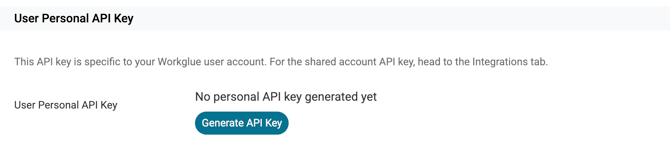
- Find the User Personal API Key section.
- If your key has not been created, click Generate Key.
- Click Copy Key to copy the key to your clipboard.
How to find your Account API key
- Select My Account.
- Click on the Integrations tab.
- Scroll to the Workglue API key section
- If your key has not been created, click Generate key.
- Select Copy Key to copy the key to your clipboard.